CapCut
All-in-one free video editor for PC & Mobile

Safe & Secure
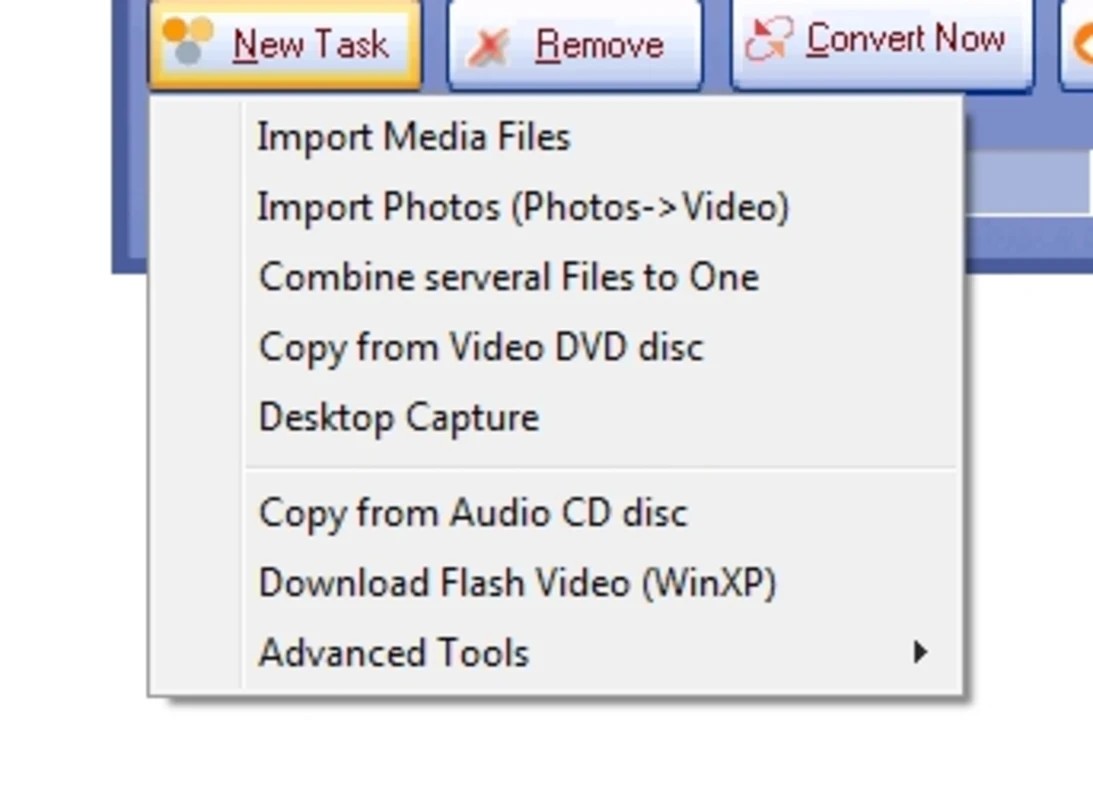
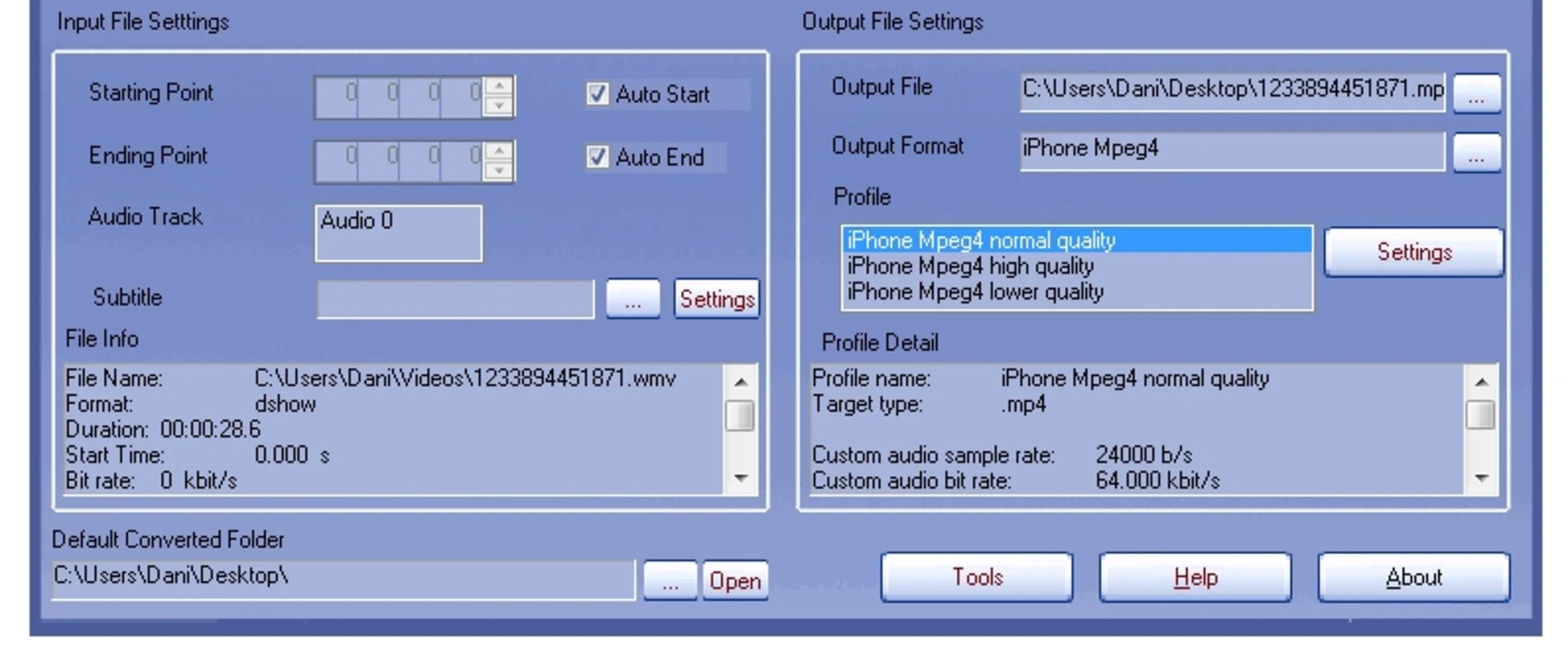
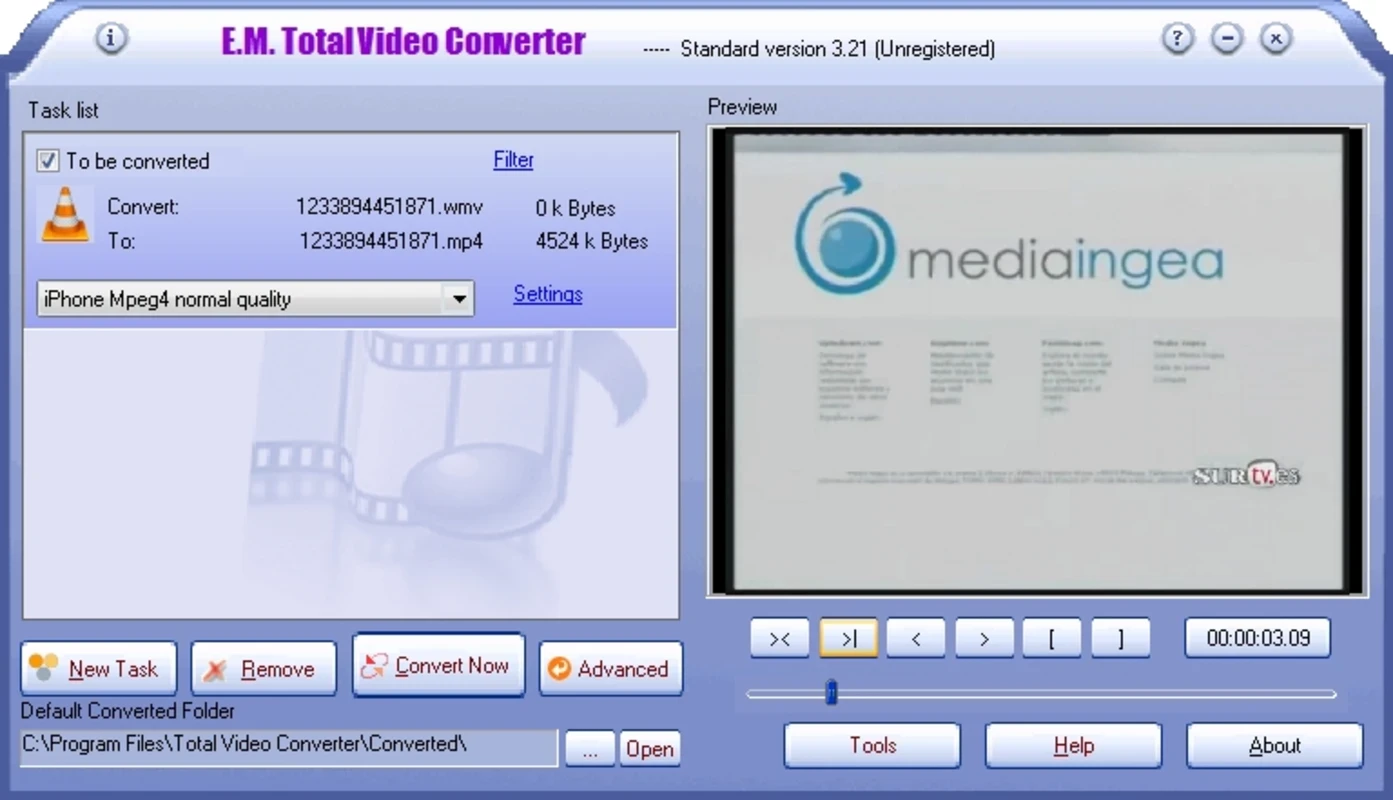
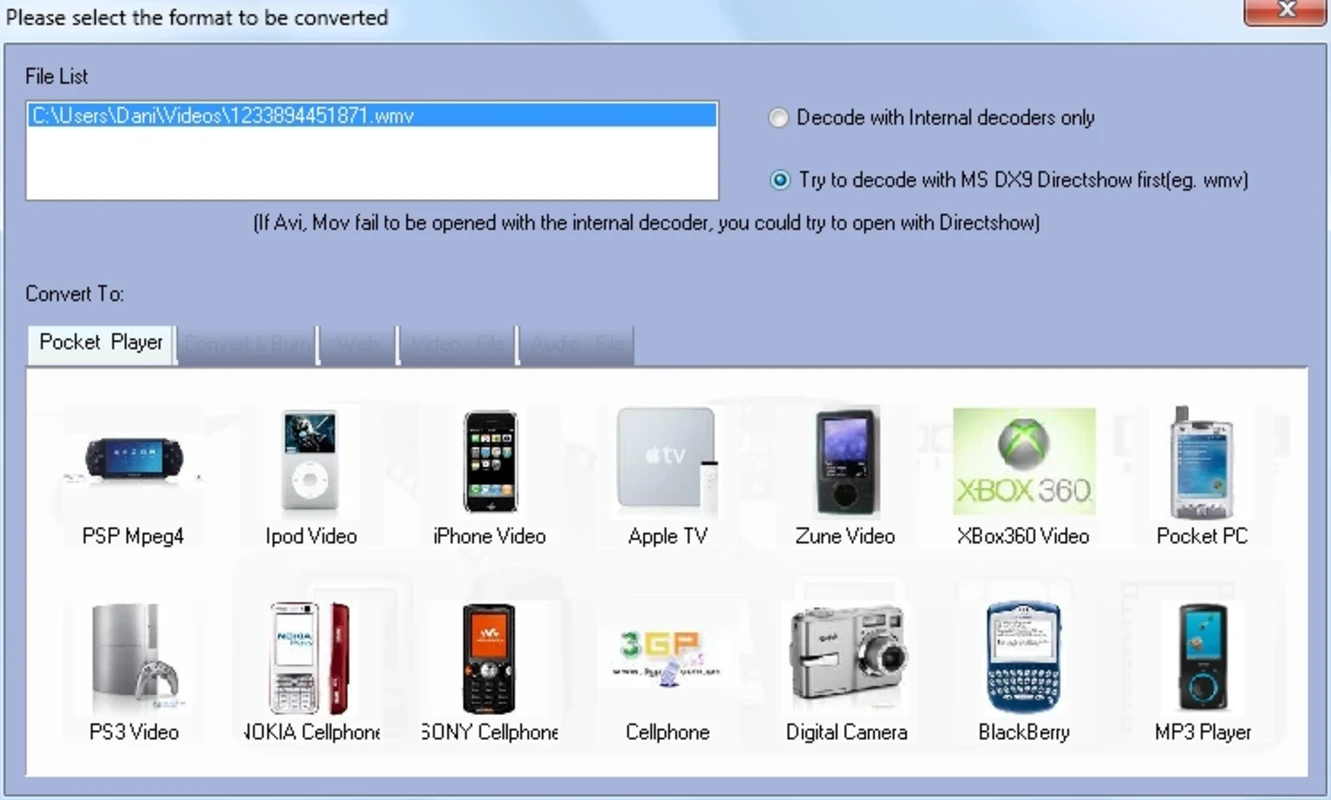
Total Video Converter is a comprehensive multimedia conversion program, handling a wide variety of video and audio file formats. With broad compatibility, it reliably converts files into smooth playback across multiple digital platforms, without losing quality.
It is lightweight and efficient utility to offer stunning video clip viewing experience with support of high-efficiency codecs. You can easily export your converted visual content to multiple web streaming platforms, such as YouTube, Vimeo, Dailymotion, and so on.
Total Video Converter, developed by EffectMatrix, falls under the Entertainment category and is freeware software. It is specifically designed for Windows operating systems to allow users to reliably convert, edit, enhance, and play videos across multiple devices.
The most powerful tool offers full-featured video converting functionality in various scenarios, such as for mobile video players, VCD, DVD players, and also enables burning videos to AVCHD, Blu-ray, DVD, SVCD, and so on. So, you can easily decode media files into your desired file format and save them to your hard drive while selecting your own destination.
The list of supported file formats is impressive, as you will find extensive variety of video formats, such as Apple, QuickTime, DIVX, GIF, Matroska, MPEG4, OGM, Real Video, and so on. Moreover, you will find support for Electronic Arts Multimedia; however, it doesn’t support PS4 or Xbox One, but offers awesome conversion even for discontinued PSP,
Likewise, the supported formats for audio are also available, such as AC3, AD Audio, MPEG, OGG, Real Audio, WAV, and WMA. However, keep in mind that the app offers conversion for all types of formats, but is not capable of converting to some of them.
Beyond huge format supporting, the app also capable of converting multiple files simultaneously. It allows you to load multiple files while loading from folders, or import an entire directory, and let the tool to operate. Here you can also select the output format using the menu on the left side of the screen. The app reliably filters the compatible formats and starts converting to the specified format, such as video, audio, animated image, HD video, and even picture sequences. Moreover, it also converts media files into mobile-friendly formats.
It is also capable of reading from CDs, DVDs, Blu-rays, SVCDs, VCDs, and lot of others, and doesn’t limited to reading only, but also allows to burn media files to all aforementioned discs, but only on the device with appropriate physical hardware. Along with reading, burning, and converting capabilities, it is integrated with multiplexing and demultiplexing. It means you can not only extract multiple elements from media files, but also combine them into a single work.
The built-in audio and video editor makes it possible to make changes to your converted visual content according to your preferences. So, it helps with output file merging, media trimming, rotating/flipping the pictures, cropping, enabling HD video support up to 4K resolution, deinterlacing of video, and so on. In addition, it allows you to specify your desired audio stream to process, extracting the sync audio, and adjusting of output volume or enabling of multi-thread conversion is also available. It also enables the modifying of the files ID3 tag, and also the data and time as well. The app isn’t limited to basic editing, but also offers advanced settings, such as bit rate, sample rate, frame size, and even audio channels.
The user-friendly and intuitive interface offers straightforward controls and smooth navigation. All essential functions are available on the main dashboard, including adding files, selecting output formats, and accessing additional tools, such as editing and settings. The clean and well-organized layout offers a fast and efficient conversion experience for both beginners and power users as well.
It offers faster performance while offering GPU acceleration to render on supported graphics cards. It significantly leverages NVIDIA CUDA and AMD technologies for robust conversion tasks. It is the best multifunctional solution to manage both; digital and physical media, and save your time eve dealing with large-scale projects, as it makes everything easily accessible, such as various components, tools, dialog boxes, settings, and so on.
The app with Freeware license is available within both; the free and paid version as well. The free version is limited to a pared-down version of the software, as it has restricted usage, and only converts files for phones, portable devices, and older consoles. Whereas the unlocking of advanced functionality is possible within the paid version, allowing users to reliably access the full feature set.
Pros
Cons

All-in-one free video editor for PC & Mobile

Get optimized converted multimedia files with Format Factory

Green Convert is a free video converter to offers a quick conversion and editing videos with support for limitless formats

Free Cam, capture, record, and edit videos to upload directly on YouTube

VLC supports multiple audio/video formats to play your multimedia.

Streamlabs OBS is a offer you online and offline broadcasting.